


Guide
Install Coach Mark Carroll on Your iPhone
Get quick access in 3 easy steps.
✅ Step 1: Open the App in Safari
Open https://app.coachmarkcarroll.com/ in
Safari on your iPhone.
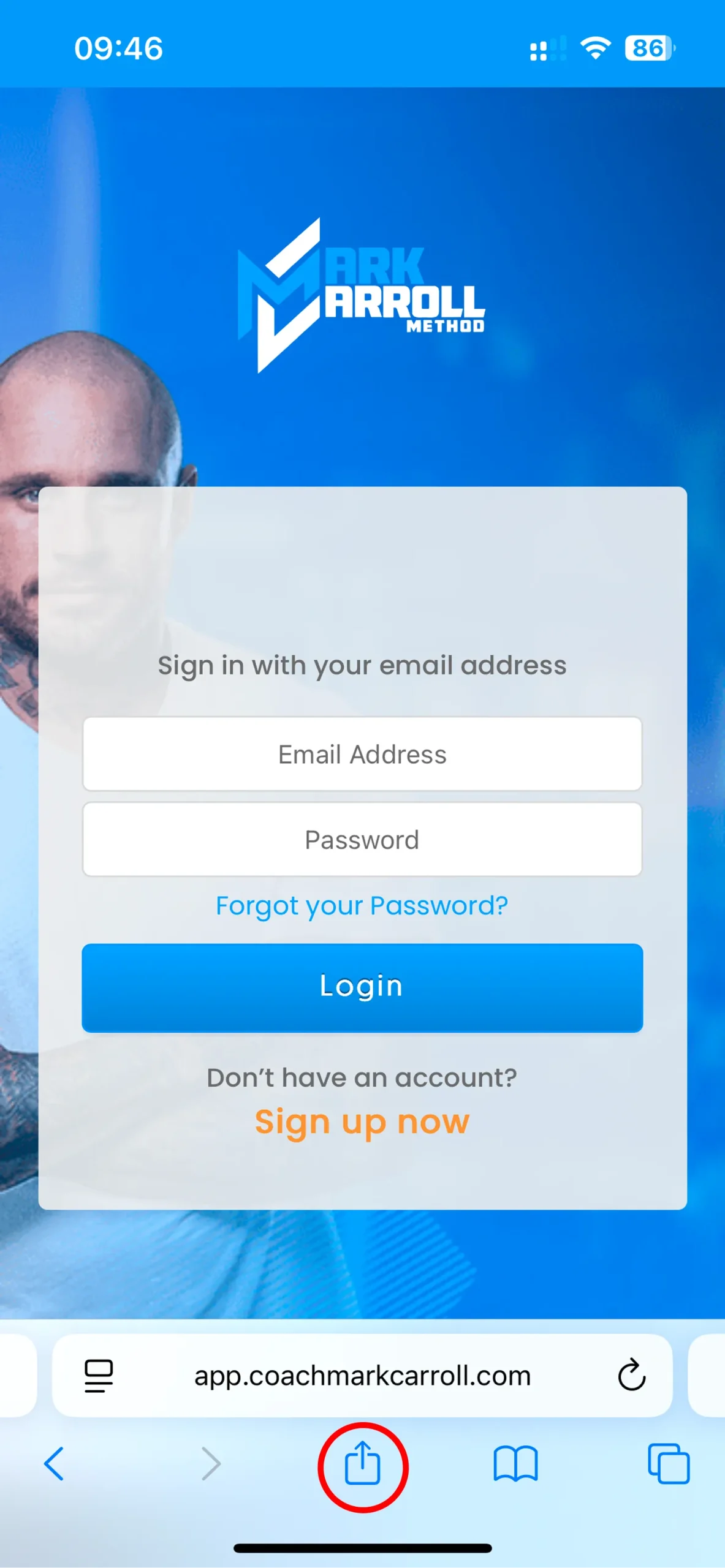
✅ Step 2: Tap the Share Button
At the bottom of your screen, tap the Share icon (square with an arrow).

✅ Step 3: Add to Home Screen
Scroll down and tap “Add to Home Screen”, then confirm by tapping Add.

🎉 All Set! Launch the app directly from your home screen.